
Samsung Galaxy S26 Ultra: Battery News and Insights
Samsung Galaxy S26 Ultra leaks hint at disappointing battery performance for the flagship device. How does this impact tool users, developers, and productivity? Learn more.
Introduction: What This Means for Users
The tech world is buzzing with updates about the upcoming Samsung Galaxy S26 Ultra, as new leaks shed light on its specs, including disappointing battery news. With flagship devices often driving innovation, this revelation raises questions about its impact on users, developers, and productivity enthusiasts who rely on cutting-edge smartphones for their daily tasks.
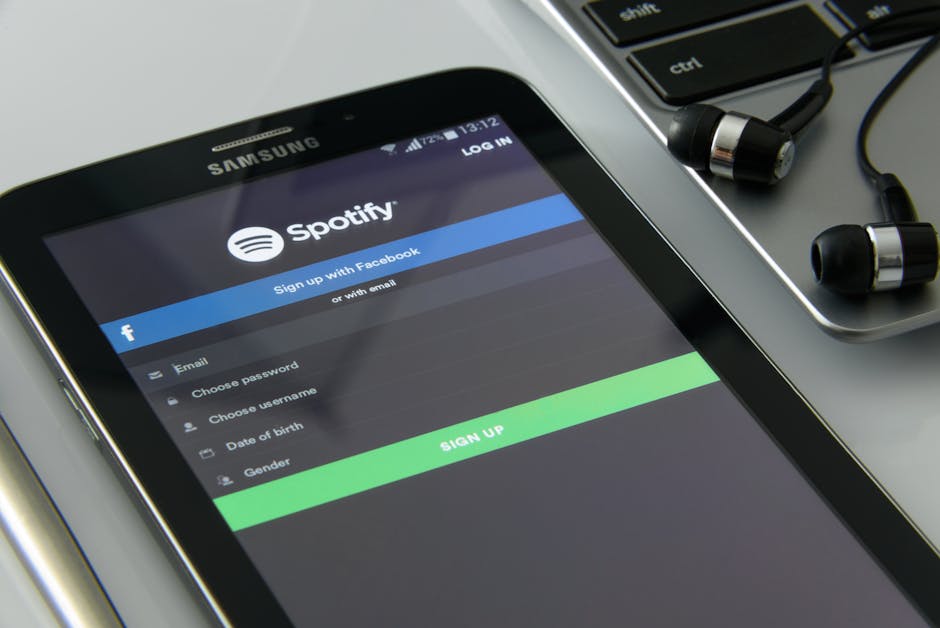
This battery limitation could redefine how users interact with tools and apps, especially those requiring high power consumption. In this post, we’ll break down what the Samsung Galaxy S26 Ultra might mean for productivity and how Toolify Studio's tools can help mitigate potential inefficiencies.
Understanding the Technology
The Samsung Galaxy S26 Ultra is rumored to feature state-of-the-art hardware, but its battery performance has raised concerns. This flagship device is expected to leverage Qi2 wireless charging, which improves efficiency compared to previous wireless charging standards. However, users expecting a giant leap in battery capacity may be disappointed.
Key Details from the Leak
- Battery Capacity: Leaks suggest the battery might remain similar to the S25 Ultra, which many users felt was underwhelming for its price point.
- Qi2 Wireless Charging: Promises improved charging speeds and better energy management, yet might not fully compensate for the limited battery size.
- Performance Demands: The phone’s rumored high-resolution display and advanced camera could strain battery life further.
Why It Matters to Tool Users
Many professionals depend on their smartphones for productivity apps, communication, and even running tools like PDF Compressor or video editing apps. If battery performance doesn’t meet expectations, it could interrupt workflows and reduce efficiency.
Impact on Developers and Tools
A smartphone’s battery life and performance have significant implications for app developers and tool creators. For teams building high-powered applications, such as AI-driven productivity tools, limited battery capacity can restrict user engagement.
For Individual Developers
Independent developers creating tools for smartphones will need to optimize their apps for low-power modes to ensure they remain usable on devices like the Galaxy S26 Ultra. Features such as background processing or AI-based automation may need adjustments to reduce energy consumption.
Image Optimization Tool is one example of a tool that can help developers compress images and reduce app size—key strategies for conserving battery life on mobile devices.
For Teams and Organizations
Larger organizations developing tools must strategize around these limitations. For instance, teams creating team collaboration apps may need to focus on optimizing app performance during heavy use, such as video calls or document sharing. Battery-efficient apps are likely to perform better on devices with restricted battery longevity.

Practical Applications
Despite the battery limitations, there are practical ways to maintain productivity with tools like Toolify Studio's free solutions. Here are a few steps users can take:
- Optimize App Usage: Use tools like Task Manager to streamline your daily workflow, reducing unnecessary app usage that drains battery life.
- Leverage Cloud-Based Tools: Reduce dependency on high-power apps by switching to cloud-based alternatives such as Online Document Editor.
- Choose Energy-Efficient Apps: Explore lightweight versions of essential tools, ensuring they are optimized for smartphones with limited battery performance.
Tools That Can Help
If you’re concerned about how the Samsung Galaxy S26 Ultra’s battery performance might affect your productivity, our platform has you covered. Toolify Studio offers more than 241+ online tools to help users and developers enhance efficiency without taxing their devices. Key recommendations include:
- Battery Optimizer Tool for improving device power management.
- File Converter to simplify tasks without needing resource-heavy apps.
- AI Writing Tool for creating content seamlessly, even on mobile devices.
Conclusion and Next Steps
The Samsung Galaxy S26 Ultra’s disappointing battery news may not completely overshadow its innovative features, but users and developers alike should prepare for potential limitations. By leveraging efficient tools like those offered by Toolify Studio, you can ensure productivity remains unaffected.

Explore Toolify Studio's tools today to stay ahead of technological challenges and maximize your workflow. Don’t let hardware constraints hold back your productivity—adapt with the right tools!
🔧Try These Related Tools
Discover More Functional Tools
Explore our collection of 382+ working online tools. No signup required, instant results.
Browse All Tools→📚Related Articles

Agile Robots Partners with Google DeepMind: Tech Impact
Discover how Agile Robots' collaboration with Google DeepMind is set to revolutionize robotics using AI foundation models, and explore how Toolify Tools can assist developers in leveraging this tech wave.
Air Canada CEO Summoned Over English-Only Video: Tech Analysis
Air Canada CEO faces scrutiny for an English-only condolence video. Discover how technology, AI tools, and productivity solutions from Toolify Studio can help tackle similar challenges.

RAKEZ Boosts Business Sales Strategies With Tech Innovations
RAKEZ is empowering businesses with insights into sales strategies while highlighting how tools like AI Writer and Code Generator from Toolify Studio can enhance productivity and innovation.